Qwen Image 2.1 / Image Editing / Generation
Material/color editing + product fidelity
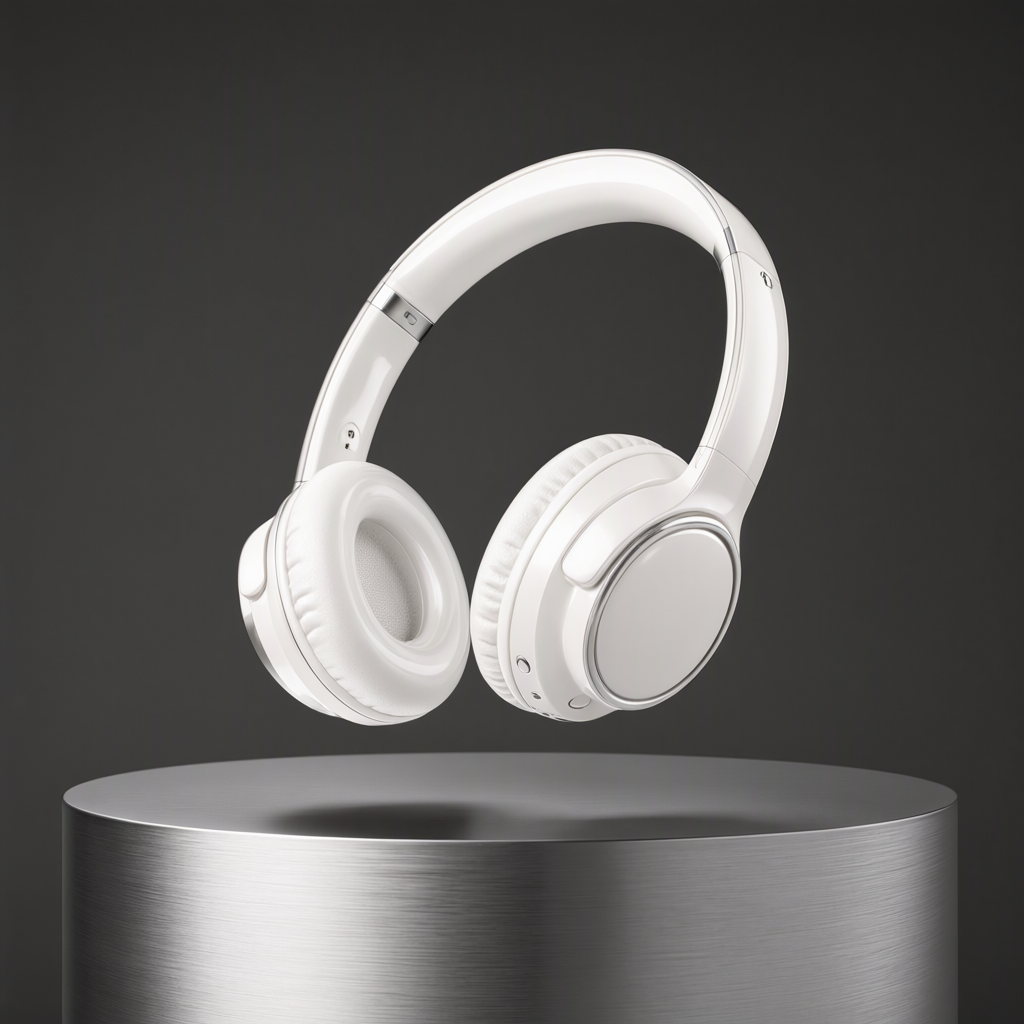
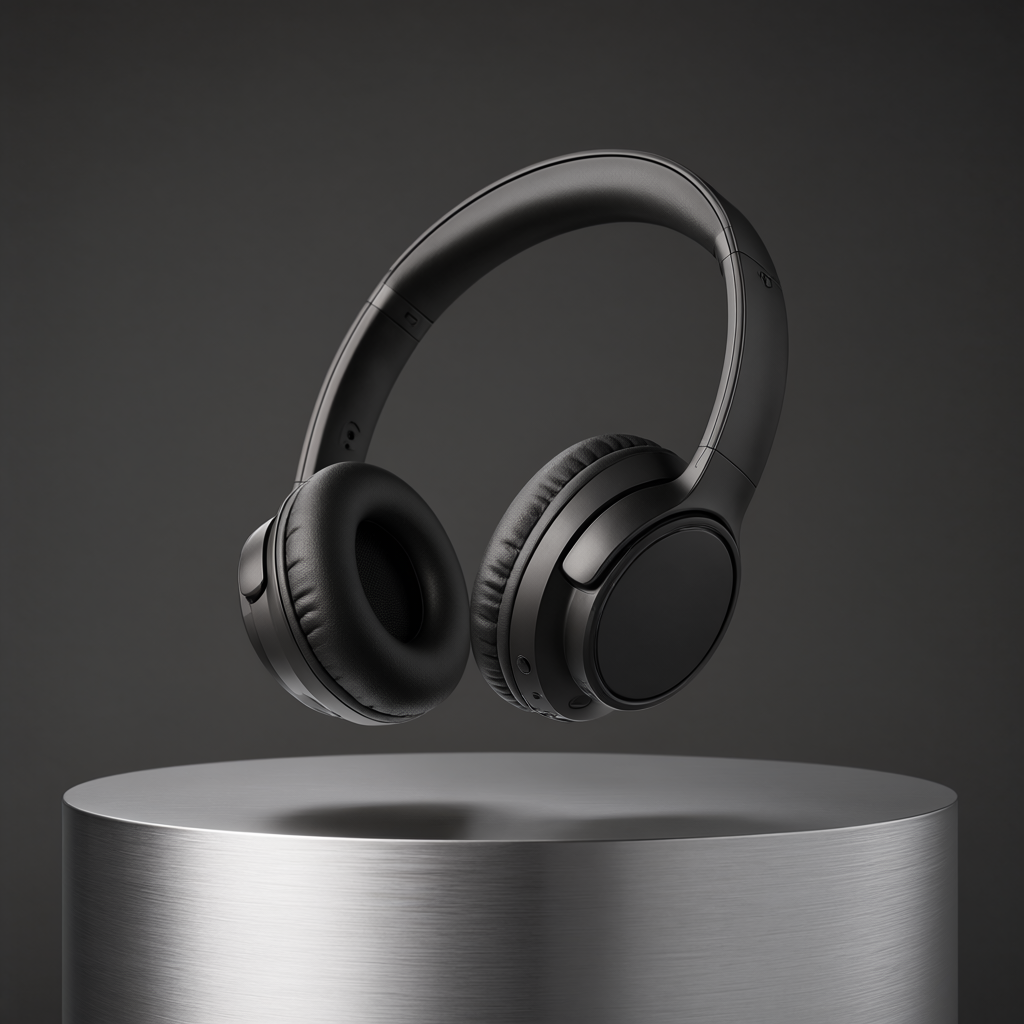
Test a matte-black to pearl-white headphone material edit while checking product geometry, composition and reflections.
Prompts & inputs
Change only the headphones from matte black to glossy pearl white ceramic with subtle metallic silver accents. Preserve the exact headphone design, geometry, proportions, ear-cup shape, headband, orientation and floating position. Keep the aluminum pedestal, background, composition, shadows and camera angle unchanged. Update only the reflections and highlights necessary for the new glossy material.
Generation settings
- gpu
- RTX A6000
- engine
- ComfyUI
About this result
The source article reports approximately 45 seconds per image across these tests. Individual seeds, sampling settings and the exact workflow version are not specified. Compare the input and output to assess both the requested edit and preservation of unchanged details.
Source: Qwen Image 2.1 Edit: 8 Real-World Image Editing Stress Tests in ComfyUI
Explore the workflow
Generated output